
A new beginning with Claude Code and Cursor
Adventuring into the world of AI code tools.

LENGTH
9 Min Read
TOOLS
Claude Code, Cursor
The Shift Is Happening
AI tools are changing everything in design and development right now. You can either lean in or get left behind - and I'm not about the latter.
I've always wanted to learn code, but the barrier felt massive. With tools like Claude Code and Cursor, that barrier just got way smaller. So instead of just hearing about it, I decided to learn and adapt. Just start by building something. Something small, but real.
One Small Step for Man
I wanted to start small and prove I could actually ship something using AI-assisted development. A browser extension felt like the right scope - contained, practical, useful.
For the idea, I'm personally tired of the Reels rabbit hole. Social media these days feels less and less of something to keep us connected and more of a distraction and marketing tool. I use a similar extension already, but there are things I'd improve. So why not build my own version? If it works well enough, maybe I'll actually launch it.
Setting Up My Stack
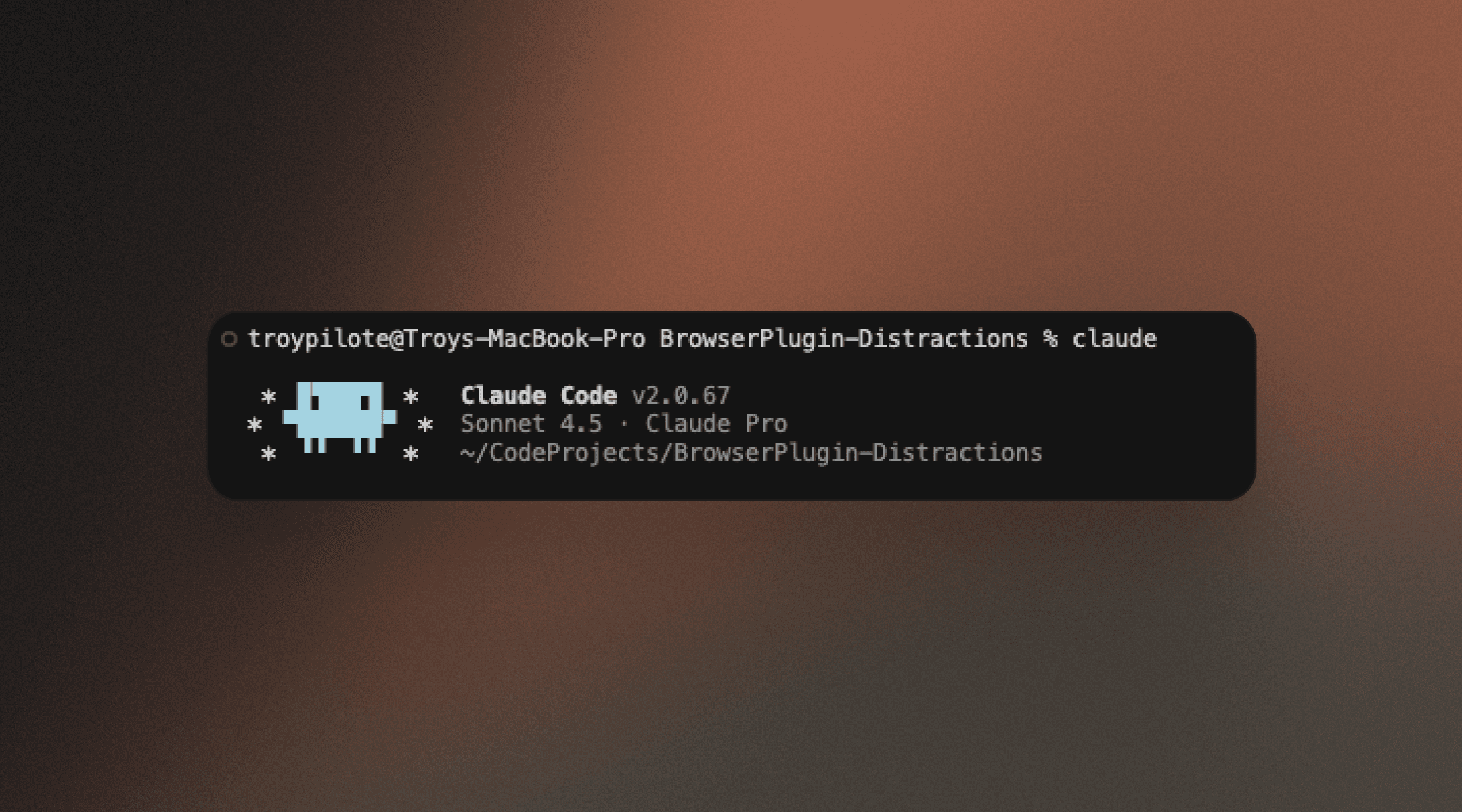
I went with two tools: Claude Code, an AI agent that works directly in the terminal and handles planning and execution and Cursor, my IDE where I can see everything happen and make tweaks.
Why both? Claude Code is great for generating and running plans quickly. Cursor gives me the environment to understand what's actually being built and adjust as needed by using natural language, images and more.
From Idea to Execution Plan
I described my ideal browser extension to Claude. It helped me create a plan. I explained that I'm completely new to code and asked it to break down concepts I'd be unsure about.
Seeing the breakdown before any code was written? That was my first "oh, this is different" moment. I could understand the logic before diving into implementation.
It's Alive
After launching the plan, here's where it got real.
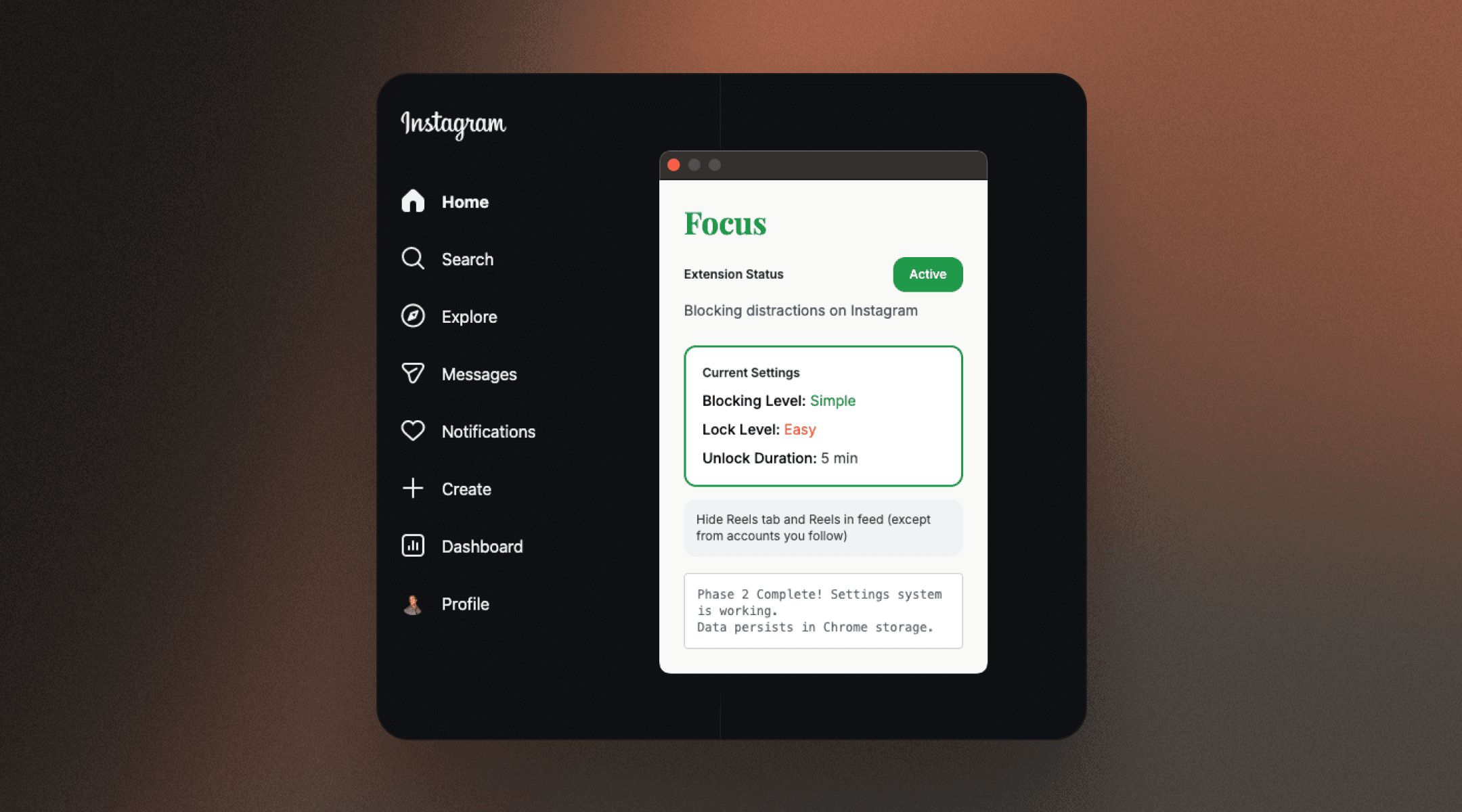
And on the first try, I had a semi-working browser extension loaded in Chrome.
Not perfect—but working. Reels were actually being hidden. That feeling of seeing your idea actually function? That's the moment you realize this whole AI development thing isn't just hype.
Design Meets Development
Now here's where my designer brain couldn't help itself.
The extension worked, but aesthetically? Wasn't great... So I went back to Claude and described what I actually wanted: more toggles, a progressive gradient background, and better interactions overall. I also wanted to make it harder to turn off the extension. Not impossible, just tricky.
I described a delay hover interaction: users would need to hover over the toggle for 4 seconds before it actually turns off. Is it a strong enough deterrent to stop someone from disabling it? No. But it definitely makes them think twice, and it makes the action less impulsive.
Seeing Claude Code prototype that idea in real time—building out the interaction logic, the animation timing, the visual feedback—was genuinely cool. It wasn't just about making something functional. It was about testing a specific UX concept and seeing it actually work.
Final Takeaways
I haven't officially shipped this yet, but it's loaded in development mode and I'm using it every single day. That alone feels like a win.
The ability to customize tools I use daily is already sparking ideas for what else I could build or tweak to fit how I actually work. That mindset shift - from "I wish this worked differently" to "I could probably build that" - is huge.
AI tools accelerated everything, but they didn't replace understanding. I'm still learning how to navigate an IDE, and how to debug when things break…
The gap between designer and developer isn't gone—but it's crossable now. That's the bet I'm making on myself, and I'm excited to see where it leads.
Content Blurred for Privacy


If my work caught your interest, I’d be happy to chat.
Thanks for Your Time,
Say Hi if You'd Like to Connect






Copy
troypilote@gmail.com
Copyright © 2026 — Troy Pilote — v08.21